


A few weeks ago a colleague pinged me about something strange. He had not opened Zoom in months. He uses Microsoft Teams at work and Google Meet for outside calls. And yet, after a Teams meeting last Tuesday, an email landed in his inbox with a tidy summary of the conversation, action items, and a transcript. The sender? Zoom AI Companion.
His first reaction was the right one: how does Zoom even know I started a meeting somewhere else? His second reaction was the right one too: this is creepy and it feels like malware.
It is not malware. It is something worse for a public company: it is the visible flailing of a business that peaked in October 2020 and has been searching for a second act ever since. The note-taker that follows you to Teams and Meet is not a bold AI vision. It is a calendar-scraping bot wedged into other people’s products because Zoom’s own product is no longer where the meetings are.
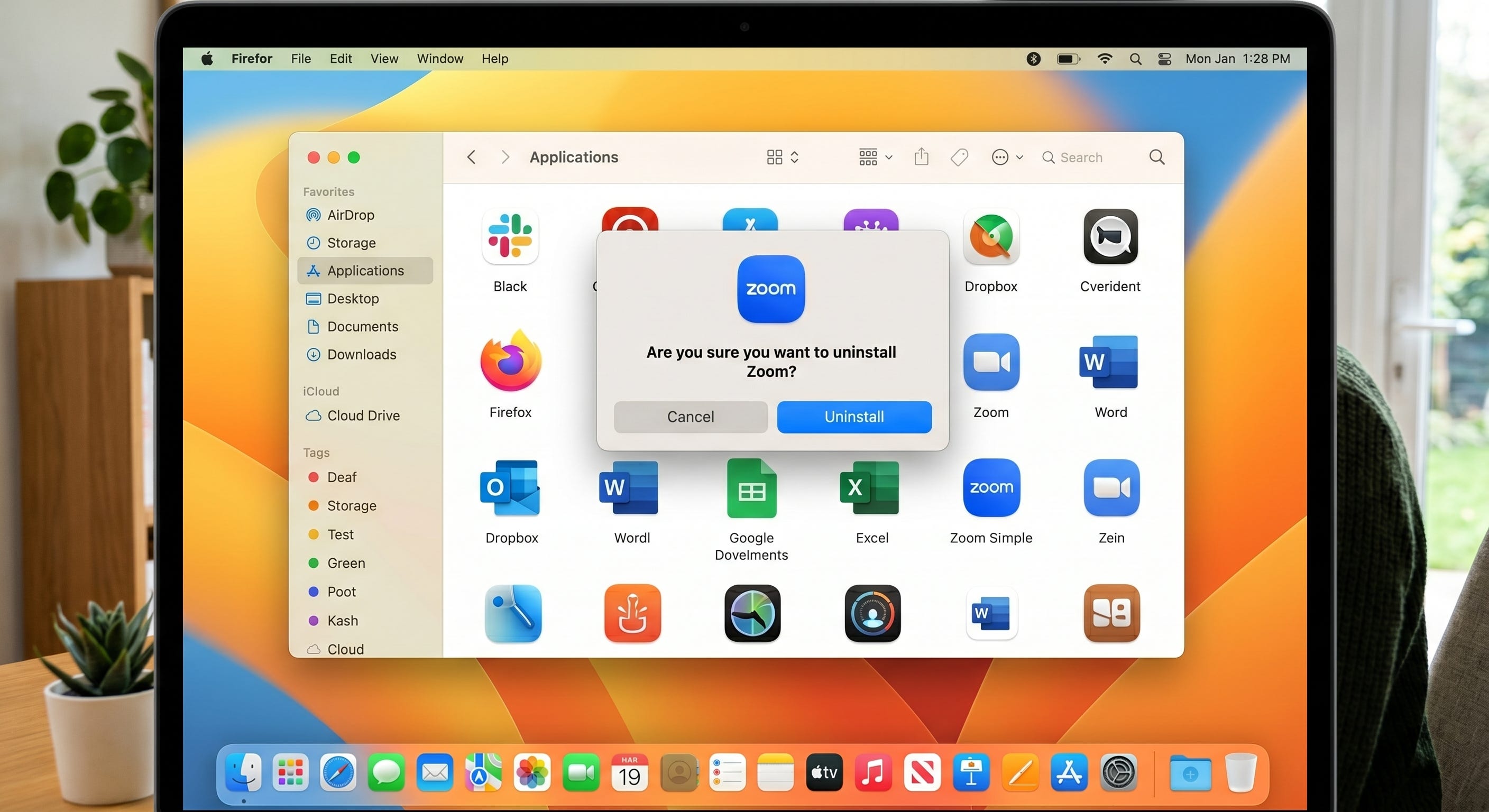
Let’s walk through exactly how it works, why Zoom is doing it, why your IT team should be furious, how to switch it off, and what a communications stack actually looks like when the company building it does not need to spy on you to stay alive.
1. How Zoom “knows” you started a meeting outside of Zoom
There is no kernel driver. There is no packet sniffer. There is no exotic AI watching your screen. The mechanism is, technically, dull — and that is what makes the policy decision so insulting.
Zoom AI Companion uses OAuth 2.0 calendar integration with Microsoft 365 or Google Workspace. When you, or your administrator, click “Connect Calendar” in Zoom — a setting most people enabled years ago so meeting invites would auto-populate — you grant Zoom read access to your calendar events. Calendar events from Outlook and Google Calendar contain the conference URLs Microsoft Teams and Google Meet inject when a meeting is created. Zoom’s servers read those URLs out of your calendar and dispatch a bot — named something like “Zoom AI Companion for [Your Name]” — to dial into the Teams or Meet link as a guest at the scheduled start time.
That is the trick. The “intelligence” is a cron job with OAuth tokens.
Zoom’s own product page admits the architecture in plain language: AI Companion can join Google Meet, Microsoft Teams, and other platforms “whether you’re a participant or the host,” and the My Notes feature works “across third-party meeting platforms like Google Meet, Microsoft Teams, and WebEx.” University of Wisconsin–Madison’s IT documentation — Zoom’s, retold for end users — spells out the workflow: link your Zoom account to Microsoft 365 or Google calendar, toggle “Allow AI Companion to join third-party meetings,” and the bot will start showing up to meetings you scheduled — or, if you are unlucky, every meeting on your calendar.
The detail that should bother you the most is buried in the documentation: any participant, not just the host, can invite Zoom AI Companion into a Teams or Meet call. Translation: a co-worker, vendor, or random invitee in your meeting can summon a Zoom-branded surveillance bot into a conversation you organized, without your consent, simply because their employer pays for Zoom Workplace.
Cal State Fullerton’s IT documentation is even more candid about how the defaults shifted. In their words: “Previously this feature was ‘opt in’ which meant it was turned off by default. However, now the feature is ‘opt out’ meaning that it is turned on by default.” That sentence belongs in a deposition. A privacy default was inverted overnight and the burden of opting out was pushed onto every customer who never asked for any of this.
So no, Zoom is not psychically detecting your Teams calls. It is doing something more pedestrian and more disrespectful: it is reading your calendar and acting on it without you in the loop.
2. “Desperate” is the right word
Companies that are growing do not need to crawl through your calendar to follow you to a competitor’s product. They build features inside their own product that you actually want to use. The reason Zoom is wedging itself into Teams and Meet is that Zoom is not, in any meaningful sense, growing anymore.
Look at the trajectory. In fiscal 2021, the first full pandemic year, Zoom’s revenue grew 325 percent. In FY22 it slowed to 54 percent. In FY23 it collapsed to 7 percent. In FY24 the company reported a stomach-turning 3.1 percent growth rate. Guidance for FY25 was around 1.6 to 4 percent. That is not a video-conferencing leader. That is a stagnating utility company that happens to have a CEO who likes generative AI demos.
Market cap tells the same story with fewer words. Zoom peaked at roughly $139 billion in October 2020. By mid-2024 it had bled down to about $18 billion — an erasure of more than $120 billion in shareholder value in less than four years. The stock that traded above $500 in November 2020 was changing hands around $61 in July 2024.
Headcount told the truth too. In February 2023, Zoom laid off 1,300 employees — 15 percent of the company. CEO Eric Yuan publicly cut his own salary by 98 percent and forfeited his bonus. He told staff Zoom had “made mistakes,” including hiring too aggressively into a demand bubble nobody on the executive team wanted to acknowledge was a bubble.
Meanwhile, Microsoft Teams quietly buried them. Teams reached 320 million daily active users, a figure that is now larger than Zoom’s headline 300 million daily participants — and Teams’ number is harder to inflate because Teams is bundled free with Microsoft 365. Zoom’s revenue in 2024 was about $4.66 billion. Microsoft Teams generates well above $8 billion through the Microsoft 365 ecosystem and does not need a single dollar in standalone subscriptions to do it. Google Meet sits inside Workspace on the same logic.
When your two largest competitors give their product away inside a suite that the majority of large enterprises already own, your strategic options narrow. You can either build a product so much better that customers pay extra for it on top of what they already own — or you can ride along inside their product as an unwanted plus-one.
Zoom picked option two. That is the news.
3. Zoom has a documented history of saying one thing and doing another
If this were Apple or Cloudflare — companies whose security claims have repeatedly survived audit — we could afford the benefit of the doubt about what AI Companion is actually doing with the audio it captures off your Teams call. Zoom has not earned that benefit.
In November 2020 the U.S. Federal Trade Commission settled with Zoom over what the agency described as “a series of deceptive and unfair practices that undermined the security of its users.” The complaint catalog included:
• Marketing the product as “end-to-end encrypted” when it was not. Zoom held the keys on its own servers, meaning Zoom — and anyone with sufficient access to Zoom — could read meeting content.
• Claiming AES-256 encryption while shipping AES-128.
• Claiming meeting recordings were encrypted at rest while storing them unencrypted on Zoom’s servers for up to 60 days.
• Pushing a Mac client update that quietly installed a local web server (“ZoomOpener”) that bypassed browser security protections.
• “Inadvertently” sharing user data — names, photos, email addresses — with Facebook.
In July 2021 Zoom paid $85 million to settle a class-action lawsuit that consolidated those allegations and the broader “Zoombombing” catastrophe of 2020.
In March 2023 Zoom quietly amended its Terms of Service to grant itself a “perpetual, worldwide, non-exclusive, royalty-free, sublicensable, and transferable license” over customer content for purposes including “machine learning, artificial intelligence, training, testing, improvement of the Services.” There was no opt-out. The change was buried in legalese and it ran for five months before a Hacker News thread surfaced it in August 2023. Only after international press coverage and a regulatory storm in the EU did Zoom amend the terms and concede that, no, customer content would not be used for AI training without consent. CEO Yuan called it “a process failure internally.” That phrase is the corporate equivalent of an apology one offers when caught.
This is the company now telling you to relax while its calendar-scraping bot dials into the Microsoft Teams call where you discuss Q4 layoffs with your CFO.
4. The rest of the industry is already pulling up the drawbridge
You are not alone in finding this behavior unacceptable. Two-thirds of the industry has already started slamming doors on note-taker bots in general and Zoom’s in particular.
On March 13, 2026 Microsoft published Message Center notice MC1251206 announcing that Microsoft Teams will detect external third-party meeting bots, label them “Unverified” in the meeting lobby, and require the organizer to admit them explicitly. The feature is on by default. General availability is rolling out worldwide and to GCC tenants in mid-to-late 2026. Microsoft’s own justification, in their own words: “Bots may access meetings without the knowledge or consent of the meeting organizer or the hosting tenant, which can create data security, privacy, and compliance risks.” That is Microsoft’s way of telling you that yes, this was a problem, and yes, Zoom is part of the problem.
Universities have moved faster than enterprises. The University of Washington blocked Read AI from Zoom and Teams integration on January 21, 2025. Chapman University followed on August 13. UC Riverside restricted all non-native AI bots across its video estate on October 7. The trend line is one direction.
Two consolidated federal class-action suits are now in front of the Northern District of California. In re Otter.AI Privacy Litigation has a motion-to-dismiss hearing scheduled for May 20, 2026. Fireflies.ai is fighting BIPA class actions filed in late 2025 and early 2026. The legal theory in both cases — that consent for these bots was farmed out to end users in a way that fails state biometric and wiretapping laws — applies pretty cleanly to any vendor whose business model is “sneak a transcript bot into someone else’s meeting.” Zoom is exposed on the same theory.
5. How to disable the AI Companion bot — every layer of it
If you cannot uninstall Zoom today — because your employer requires it, because a customer schedules calls on it, or because you bought into the ecosystem — here is how to lock it down. Do not assume one toggle is enough. Zoom has buried the controls in five separate places.
Step 1: Sign in to the Zoom web portal, not the desktop app
Most of the relevant settings are not in the desktop client. Go to your account at zoom.us and authenticate.
Step 2: Settings → AI Companion → turn it all off
1. Click Settings in the left navigation.
2. Click the AI Companion tab.
3. Toggle off Meeting summary with AI Companion.
4. Toggle off Smart Recording, Smart Compose, and any other listed AI features.
5. Toggle off Allow AI Companion to join third-party meetings. This is the third-party meeting setting that authorizes the bot to dial into Teams and Meet.
6. If you see Automatically join meetings on my calendar, set it to off. If you cannot turn it off completely, set the scope to “Meetings where I am the host” — not “All events.”
7. Click Disable on every confirmation prompt.
Step 3: Settings → General → block third-party apps
Find the setting labeled “Manage which Zoom apps can join as a participant in meetings and webinars in your organization” and configure it to block third-party AI bots from joining as a participant. This stops note-taker bots from rivals — Otter, Fireflies, Read AI — in case you decided you do not want any of these things in your meetings, regardless of vendor.
Step 4: Disconnect calendar OAuth
This is the choke point. Without calendar access, Zoom cannot see your Teams or Meet meetings to dispatch a bot to them.
8. In the web portal, go to Profile or Settings depending on tier and find Configure Calendar and Contacts Service.
9. Disconnect any linked Microsoft 365 or Google Workspace integrations.
10. Then go to your Microsoft 365 or Google Account permissions page and revoke Zoom’s OAuth grant from the source. The permissions screen will be at myaccount.google.com/permissions for Google or myapps.microsoft.com for Microsoft. Belt and suspenders.
Step 5: Update the Zoom client and verify My Notes is off
Zoom AI Companion features are continually re-enabled across versions. Make sure you are on the latest client (6.7.5 or later as of this writing), then open the desktop app and confirm there is no glowing “My Notes” icon hovering over your meeting controls. If there is, click it and choose Stop / Disable.
Step 6 (the recommended step): Uninstall
You will not catch every future toggle. Zoom adds new AI features every quarter, defaults them on, and counts on the friction of a five-step shutdown to keep most customers from finding the controls. The cleanest mitigation is the obvious one: uninstall the Zoom client and revoke the OAuth grants. If a meeting host insists on Zoom, you can join via the browser without installing software, and you can refuse to admit any participant whose name starts with “Zoom AI Companion for…”
6. The alternative: WhiteStar Enterprise Messenger
If you are reading this and thinking “fine, I will rip Zoom out, but what do I replace it with for sensitive internal communications?” — disclosure first: I built it. WhiteStar Enterprise Messenger is the messaging and calling product I and my team at Inverted Software ship through WhiteStar Labs. Read this section knowing that. The technical claims are verifiable in the public whitepaper at invertedsoftware.github.io and the product overview is at whitestarlabs.com/messenger. Anyone can audit the architecture before deciding whether to trust it.
Here is what the design choices look like when the company building the tool is not desperate to monetize your conversations.
The server cannot read your messages. By design, not by policy.
WhiteStar implements the Signal Protocol — X3DH key agreement plus the Double Ratchet algorithm — the same cryptographic foundation that powers Signal and the encrypted side of WhatsApp. Each message is encrypted with a unique AES-256-CBC key derived from a chain that ratchets forward with every send. Forward secrecy means a future key compromise does not expose past messages. Break-in recovery means a current state compromise is healed by the next round-trip.
On top of that, the message envelope itself is wrapped in AES-256-GCM authenticated encryption before it ever touches the network. Quoting straight from the whitepaper: “The server sees only the MessageEnvelope. The Payload field is opaque — the server cannot decrypt it.” Even an attacker with full root on a WhiteStar server can observe routing metadata — sender, recipient, timestamp — but not a single byte of message content.
Compare that to Zoom’s 2020 FTC posture, where keys were held by the server and “end-to-end encryption” was a marketing term, not an architectural fact.
Messages do not linger on the server
Live messages route directly through SignalR over TLS. If a recipient is offline, the encrypted payload sits in a Redis queue with a hard 24-hour TTL — still encrypted, still opaque to the server. The moment the recipient acknowledges receipt, the queued copy is deleted. No archival of plaintext anywhere on the server. No “we encrypt at rest” hand-waving while the keys live in the same database.
Voice and video calls are peer-to-peer
WhiteStar uses WebRTC with DTLS-SRTP for audio and video. Media flows directly between the two endpoints. The server is a signaling relay only — it brokers SDP offers and ICE candidates, then steps out of the path. Call audio never traverses, is never recorded by, and is never processed by the server. There is no equivalent of an “AI Companion” that could hop into the call because there is no server-side media plane to hop into.
Self-hosted, on your infrastructure
You can deploy WhiteStar in your private cloud, on your on-premises servers, or fully air-gapped. Docker-ready, Kubernetes-compatible, with Active Directory and LDAP integration. You own the database. You own the keys. You own the operational control plane. There is no vendor cron job reading your calendar at 3 a.m. — because there is no vendor.
Built for the compliance regimes Zoom keeps tripping over
The architecture is designed to support HIPAA, SOC 2, FedRAMP, ITAR, and GDPR requirements. Configurable retention policies, audit logging, and exportable archives. Identity is managed through your existing SSO, AD, or LDAP. No phone numbers required. No third-party identity broker.
Cross-platform without re-introducing risk
Native Windows, Android, iOS, and a zero-install web client at im.whitestarlabs.com. The mobile and desktop apps are built on .NET MAUI with HybridWebView, sharing one JavaScript UI layer across platforms while keeping platform-specific capabilities native. Same encryption, same blind-server architecture, every device.
What the threat model actually says
The whitepaper enumerates the threats and matches each to a mitigation. Server compromise: only encrypted opaque envelopes leak — plaintext lives only on client devices. Man in the middle: signed pre-keys carry Ed25519 signatures verified against known identity keys, with safety numbers for out-of-band verification. Key compromise: forward secrecy and break-in recovery limit blast radius. Replay attacks: counters are unique per ratchet step, one-time pre-keys are consumed atomically. Brute-force: 10-character minimum passwords with complexity, account lockout after five failures, rate-limited authentication endpoints. Malicious file upload: four layers of validation including magic-byte inspection that catches renamed executables. Call eavesdropping: WebRTC enforces DTLS-SRTP and the server never sees media.
Read the whitepaper. Verify the threat model. The point is not that you should trust me — the point is that the architecture is documented in enough detail that you do not have to.
7. The decision is simple
Zoom is no longer a tool. It is a sales motion. Every quarter the company adds a new AI feature, defaults it on, files an 8-K confirming “AI is the future of work,” and quietly hopes Wall Street will value FY27 differently than FY24. The note-taker that follows you to Microsoft Teams is part of that motion. So is the calendar OAuth that powers it. So is the inverted opt-in default. So is the participant-can-summon-the-bot rule.
You can tolerate this and spend an afternoon every quarter clicking through five layers of toggles to disable the next thing they ship. Or you can choose tools where the architecture itself prevents the abuse — because the company building it does not need surveillance economics to survive.
Uninstall Zoom. Revoke the OAuth grants. Try the WhiteStar Messenger web client or read the technical whitepaper first if you want to verify the claims before you trust the product. Either way, the calendar-scraping era of enterprise communications ends the moment you stop paying for it.
Sources and further reading: Zoom AI Companion product page (zoom.com/en/products/ai-assistant); UC Today coverage of cross-platform AI Companion expansion (Feb 12, 2026) and meeting-bot controls (Mar 16, 2026); UW–Madison and Cal State Fullerton IT documentation; FTC settlement Nov 2020; Stack Diary and TechCrunch coverage of the Aug 2023 ToS controversy; Mozilla Foundation “Privacy Not Included” analysis; Statista revenue and market-cap charts; CNBC and NPR layoff coverage Feb 2023; Microsoft 365 Message Center notice MC1251206 (Mar 13, 2026); In re Otter.AI Privacy Litigation docket; WhiteStar Messenger Technical Whitepaper v1.0 (April 2026).
Gal Ratner is Chief Architect at Prana Entertainment and the founder of Inverted Software and WhiteStar Labs. He writes about AI, software architecture, and the economics of platform decline at galratner.com.