


On October 14, 2025, Microsoft pulled the plug on Windows 10. No more security updates. No more patches. No more support. If you’re one of the hundreds of millions of people still running it, Microsoft’s official advice is essentially: buy a new computer. Preferably one with a Copilot+ sticker on it.
Here’s my advice: don’t you dare throw that machine away.
Your PC isn’t broken. Your CPU isn’t obsolete. Your RAM didn’t suddenly forget how to compute. The only thing that changed is that a corporation in Redmond decided your perfectly functional hardware doesn’t meet its arbitrary security checkbox—a TPM 2.0 chip that 99% of home users will never consciously interact with. And because of that single requirement, Microsoft is telling you that a machine capable of running modern software, playing games, editing video, and browsing the web is now landfill material.
That’s not a security strategy. That’s planned obsolescence dressed up in a security costume.
But here’s the beautiful irony: Microsoft’s most boneheaded decision in years is turning into the greatest gift the Linux community has ever received. And if you’ve never considered Linux before, right now—this exact moment—is the time to start.
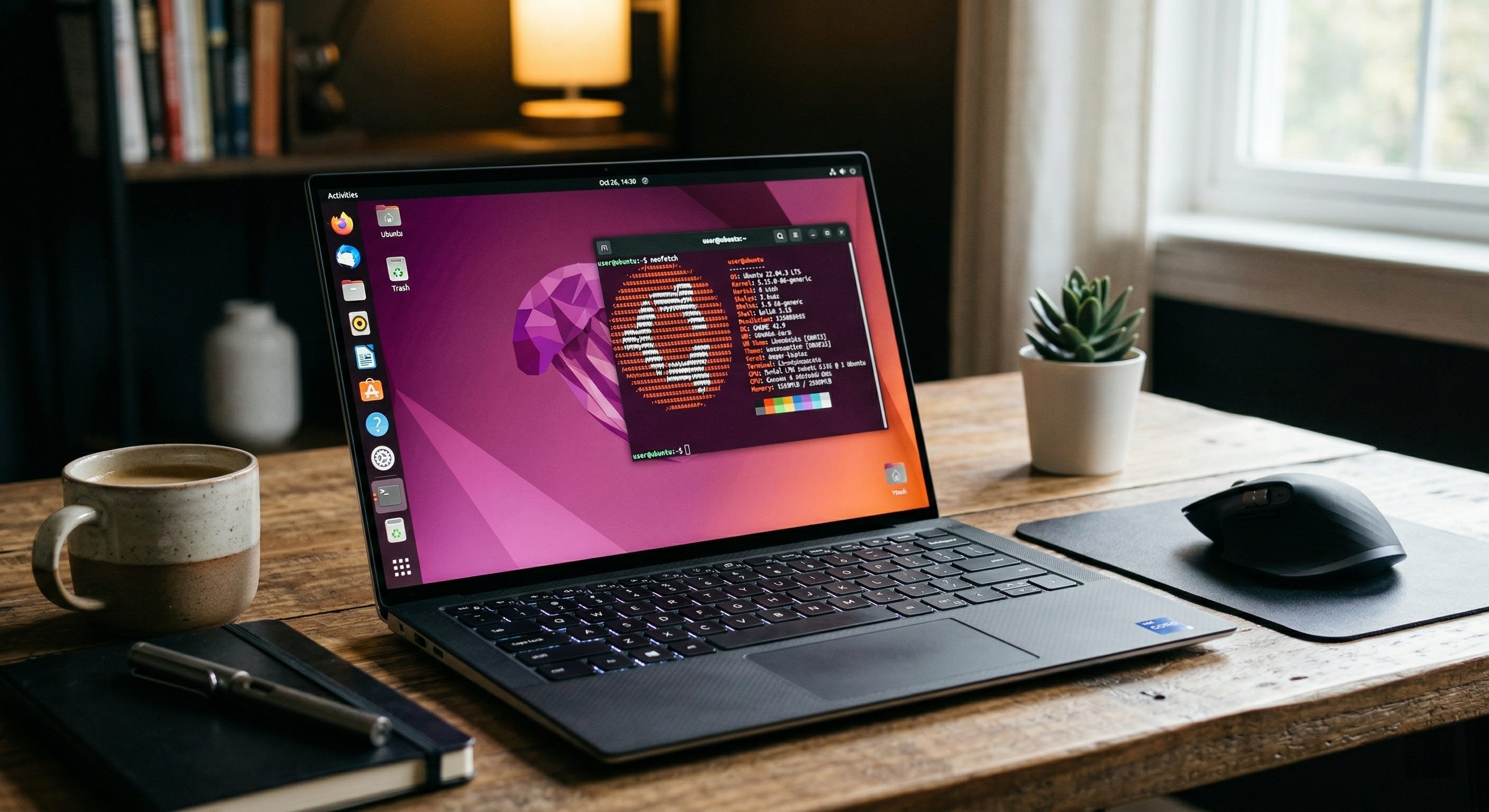
The Great TPM Lockout: Microsoft’s Self-Inflicted Wound
Let’s talk about what actually happened. Windows 11 requires TPM 2.0—a Trusted Platform Module that handles hardware-level encryption and secure boot. It sounds important, and for enterprise environments managing thousands of endpoints, it genuinely is. But for the average person checking email, writing documents, and watching YouTube? It’s a checkbox that exists primarily to push hardware refresh cycles.
Microsoft has called TPM 2.0 a “non-negotiable standard for the future of Windows.” They’ve added ugly watermarks to the desktops of people who found workarounds. They’ve closed registry bypasses. They’ve made it crystal clear: if your CPU predates Intel’s 8th Gen (Coffee Lake) or AMD’s Ryzen 2000 series, you are not welcome in the Windows 11 club.
The scale of this lockout is staggering. Analysts estimated that over 240 million PCs worldwide were blocked from upgrading to Windows 11 due to the TPM requirement. To put that number in perspective, that’s roughly the entire population of Brazil’s worth of computers being told they’re worthless overnight. Many of these machines have Intel Skylake, Kaby Lake, or first-gen Ryzen processors—chips that are still more than capable of running modern workloads. Some are only five or six years old.
Meanwhile, here’s what Windows 11 IoT Enterprise doesn’t require: TPM 2.0. The exact same operating system, running on the exact same kernel, works just fine without the chip when Microsoft wants it to. This isn’t a technical limitation. It’s a business decision. And it’s one that environmentalists, right-to-repair advocates, and anyone who’s ever paid a premium for a well-built machine should be furious about.
Microsoft claims to care about sustainability. They publish annual environmental reports. They pledge carbon neutrality. And then they tell a quarter of a billion people to throw their computers in a landfill because of a security chip most of them don’t need. The cognitive dissonance is breathtaking.
Linux’s Moment Has Arrived
For decades, the tech industry has joked about the “Year of the Linux Desktop.” Every year, enthusiasts would predict mainstream adoption, and every year, the market share needle barely moved. Linux sat stubbornly at 1–2% for what felt like an eternity.
Not anymore. In 2025, Linux desktop market share hit 4.7% globally—a 70% increase from just 2.76% in 2022. The United States crossed the 5% threshold for the first time in June 2025. Steam’s hardware survey reported Linux gamers reaching 3.05% in October 2025, the highest in the platform’s history. Zorin OS, a Windows-friendly Linux distribution, reported over 780,000 Windows users transitioning after the Windows 10 end-of-life announcement.
These aren’t rounding errors anymore. This is a trend.
And the driver is obvious: Microsoft forced the issue. When you tell hundreds of millions of people their computers are worthless, some of them are going to look for alternatives. And when those alternatives are free, run faster on old hardware, come with no ads, no forced OneDrive integration, no Copilot nagging, and no telemetry phoning home to Redmond every five minutes—well, the pitch practically writes itself.
The grassroots “End of 10” project emerged specifically to help Windows 10 users transition to Linux rather than junking their hardware. It provides guides, community support, and hardware compatibility databases. Governments are paying attention too—France runs over 103,000 computers on a custom Ubuntu-based distribution for its national gendarmerie, and Denmark’s Ministry of Digital Affairs announced a transition from Microsoft to open-source platforms in 2025.
The Linux market is projected to grow from $21.97 billion in 2024 to $99.69 billion by 2032. That’s not hype. That’s capital following competence.
Why Ubuntu? Because It’s the One That Just Works
There are over 600 active Linux distributions. If you’re new to this world, that number alone might make your head spin. But let me simplify things for you: start with Ubuntu.
Ubuntu is to Linux what iPhone was to smartphones—it didn’t invent the category, but it made it accessible to normal humans. Developed by Canonical, Ubuntu has been the most popular Linux distribution for over a decade and it’s not even close. It commands 33.9% of the Linux distribution market and 27.8% developer adoption according to the 2025 Stack Overflow Developer Survey. Over 2 million companies use it. It powers 60% of public cloud Linux instances on AWS. It runs on 100% of the world’s top 500 supercomputers (as a Linux variant). The evidence is everywhere: when serious organizations need a reliable operating system, Ubuntu is what they reach for.
But here’s what matters for you, the Windows 10 user with a “obsolete” machine sitting on your desk: Ubuntu will make that machine feel brand new.
Lightweight and Fast
Ubuntu’s GNOME desktop environment is clean, modern, and significantly lighter on resources than Windows 10 or 11. That old laptop with 4GB of RAM that’s been choking on Windows Update for the last two years? It’ll boot in seconds on Ubuntu. No background processes chewing up your memory. No Cortana. No Widgets. No OneDrive sync hammering your disk I/O. Just your desktop, ready to work.
Free. Actually Free.
Not “free with a Microsoft account.” Not “free but we’ll show you ads in your Start menu.” Ubuntu is free. The operating system is free. The upgrades are free. The security updates—which arrive regularly and on time—are free. LibreOffice, the full office suite that ships with it, is free. There is no license key, no activation screen, no subscription. You download it, install it, and it’s yours.
Secure by Design
Linux’s security model is fundamentally different from Windows. The permission system is granular and restrictive by default—applications can’t just install themselves system-wide without your explicit consent. There’s no registry to corrupt. The package manager verifies software from signed repositories. Malware targeting Linux desktop users is extremely rare, not because Linux is obscure, but because the architecture makes it significantly harder to exploit. You don’t need a third-party antivirus. You don’t need to worry about ransomware encrypting your files because you accidentally clicked a phishing email. The OS respects you enough to ask before doing things.
LTS Means You’re Covered
Ubuntu releases a Long Term Support version every two years, backed by five years of free security updates (and up to ten years with Canonical’s extended maintenance). Ubuntu 24.04 LTS, released in April 2024, will receive free updates until 2029. The upcoming Ubuntu 26.04 LTS is slated for April 2026. Compare that to Microsoft’s ten-year lifecycle that ends with a demand to buy new hardware.
Privacy That’s Not a Marketing Slogan
Ubuntu doesn’t track your activity. It doesn’t serve you ads. It doesn’t force a Microsoft account to use your own computer. It doesn’t have a “Recall” feature that screenshots everything you do. It doesn’t auto-save your documents to a cloud service you didn’t ask for. Your data stays on your machine unless you explicitly choose otherwise. What a concept.
The Windows-to-Ubuntu Transition Guide
Okay, so you’re interested. But you’ve been a Windows user for years, maybe decades. What’s the switch actually like? Let me break it down honestly.
What’s Familiar
• The desktop metaphor is identical: you have a taskbar (called the Dock in GNOME), a file manager (Nautilus/Files), a system tray, and application windows that you can minimize, maximize, and resize. If you’ve used Windows, you already know 80% of what you need.
• You can browse the web with Firefox (pre-installed) or Chrome (easy to install). Bookmarks, extensions, passwords—everything syncs just like before.
• Ubuntu has a Software Center that works like the Microsoft Store, only it’s actually useful. Search for an app, click Install. Done.
• Files and folders work the same way. Copy, paste, drag and drop. Your USB drives and external hard drives mount automatically.
• Microsoft 365 works in the browser. Outlook, Word, Excel, PowerPoint—all accessible through your web browser with full functionality.
What’s Different
• Software installation: The preferred method is through the Software Center, Snap packages, or the apt package manager in the terminal. You won’t be downloading .exe files from random websites anymore—and honestly, that’s a security upgrade.
• The terminal: You don’t have to use it, but once you discover how powerful it is, you’ll want to. Updating your entire system is one command: sudo apt update && sudo apt upgrade. That’s it. No restarting six times.
• Windows-specific software: Some applications don’t have Linux versions. Adobe Creative Cloud is the most notable absence. However, powerful alternatives exist (more on this below), and Wine/Proton can run many Windows applications if needed.
• Gaming requires a bit more setup than Windows, but the gap has closed dramatically thanks to Valve’s Proton technology. More on this shortly.
• The “C:\” drive concept doesn’t exist. Linux uses a single root (/) file system. Your home folder is at /home/yourusername. It takes about five minutes to get used to.
The Installation Process
Installing Ubuntu is arguably easier than installing Windows. You download the ISO from ubuntu.com, flash it to a USB drive using a free tool like Balena Etcher, boot from the USB, and follow the guided installer. The whole process takes about 20 minutes. Ubuntu will detect your hardware, install drivers, set up your Wi-Fi, and present you with a fully functional desktop. You can even try it before installing by running the live USB version—no changes to your hard drive required.
The Apps: Everything You Need, Nothing You Don’t
The “but what about my apps?” question is the first thing every Windows user asks. Fair enough. Here’s the real answer: for the vast majority of workflows, Ubuntu has you covered with native, high-quality applications.
Office & Productivity
• LibreOffice: Full office suite—Writer (Word), Calc (Excel), Impress (PowerPoint), Draw, Base. It reads and writes .docx, .xlsx, and .pptx natively. For most users, it’s a drop-in replacement for Microsoft Office. It even has a Ribbon-style UI if you miss that look.
• OnlyOffice: If you need even closer Microsoft Office compatibility, OnlyOffice’s rendering of .docx and .xlsx files is nearly pixel-perfect.
• Microsoft 365 Online: Runs in your browser. Full access to Word, Excel, PowerPoint, Outlook, Teams, and OneDrive.
• Google Workspace: Docs, Sheets, Slides, Gmail, Drive—all browser-based, all perfectly functional on Ubuntu.
• Obsidian: Best-in-class note-taking and knowledge management. Runs natively on Linux.
• Thunderbird: Full-featured email client. Handles Exchange, IMAP, POP3, and calendar integration.
Creative & Media
• GIMP: The GNU Image Manipulation Program. Photoshop alternative with professional-grade tools for photo editing and graphic design.
• Krita: Digital painting application that rivals Procreate and Clip Studio Paint. Used by professional concept artists worldwide.
• Kdenlive: Professional video editing. Multi-track timeline, effects, transitions. Free and open source.
• DaVinci Resolve: The industry-standard color grading and video editing suite from Blackmagic Design runs natively on Linux. This is what Hollywood uses.
• Blender: 3D modeling, animation, and rendering. Used in major film productions. Runs natively and beautifully on Ubuntu.
• Audacity: Audio recording and editing. OBS Studio for streaming and screen recording. Both native Linux apps.
• Spotify, VLC, and all major media players are available natively.
Development
• VS Code, JetBrains IDEs, Sublime Text, and virtually every major development tool runs natively on Linux.
• Docker, Kubernetes, Git, Node.js, Python, .NET (yes, .NET runs on Linux now)—the entire modern development stack is Linux-first.
• The terminal is the most powerful development environment on any platform. Period.
Communication
• Zoom, Slack, Discord, Microsoft Teams, and Telegram all have native Linux clients or excellent web versions.
Browsers
• Firefox (pre-installed), Chrome, Chromium, Brave, Edge (yes, Microsoft Edge runs on Linux)—take your pick.
Gaming on Ubuntu: It’s Not 2010 Anymore
If you’d told me five years ago that Linux gaming would be legitimately competitive with Windows, I’d have laughed. But Valve changed everything.
Steam’s Proton compatibility layer—a fork of Wine integrated directly into the Steam client—translates Windows game APIs into Linux-compatible calls. It’s not emulation; it runs games at near-native performance. You install Steam on Ubuntu, enable Proton in the settings, and the vast majority of your Steam library just works. No configuration. No command-line voodoo. Click Play.
ProtonDB, a community database tracking game compatibility, has over 17,000 titles confirmed to run well on Linux. The biggest AAA games—Baldur’s Gate 3, Cyberpunk 2077, Elden Ring, The Witcher 3—all run on Linux via Proton. Valve’s own Steam Deck, which runs SteamOS (a Linux distribution based on Arch), proved to the entire industry that Linux gaming is not only viable but excellent.
Beyond Steam, Lutris provides an open-source gaming client that supports games from Epic Games Store, GOG, and other platforms. Heroic Games Launcher offers another frontend for Epic and GOG libraries. RetroArch handles emulation for classic consoles.
The one remaining pain point is kernel-level anti-cheat in some competitive multiplayer games. Titles using Easy Anti-Cheat and BattlEye have been adding Linux support (Valve pushed hard for this), but a handful of games still don’t work. If your life revolves around one specific competitive title, check ProtonDB before switching. For everyone else—single-player, co-op, indie, AAA—Linux gaming in 2026 is genuinely excellent.
The Bottom Line
Microsoft made a calculated bet that forcing hardware requirements would push people to buy new machines. For some users, it will. But for millions of others—people with perfectly good hardware, people who are tired of ads in their operating system, people who value privacy, people who refuse to throw away a working computer because a corporation told them to—Linux is the answer.
Ubuntu specifically is the answer because it’s the distribution that has spent 20 years removing every barrier between you and a functional, beautiful, secure computing experience. The apps are there. The games are there. The community support is there. The corporate backing from Canonical is there. And your “obsolete” machine? It’s going to run Ubuntu like a champ.
Here’s what I want you to do: go to ubuntu.com, download the latest LTS release, flash it to a USB stick, and boot into the live environment. Don’t install anything yet—just try it. Browse the web. Open LibreOffice. Poke around the file manager. See how fast your “obsolete” machine suddenly feels.
Then ask yourself: why was I ever going to throw this away?
Gal Ratner is a CTO with 30+ years of experience in software architecture and AI. He is the CTO of WhiteStar Labs and writes about technology at galratner.com. His favorite Linux flavor is Ubuntu, and his “obsolete” machines run it beautifully.
Ubuntu 26.04 LTS will require 6GB of RAM: https://documentation.ubuntu.com/release-notes/26.04/ There are still a lot of other linux distros that require far less. https://lubuntu.net/